
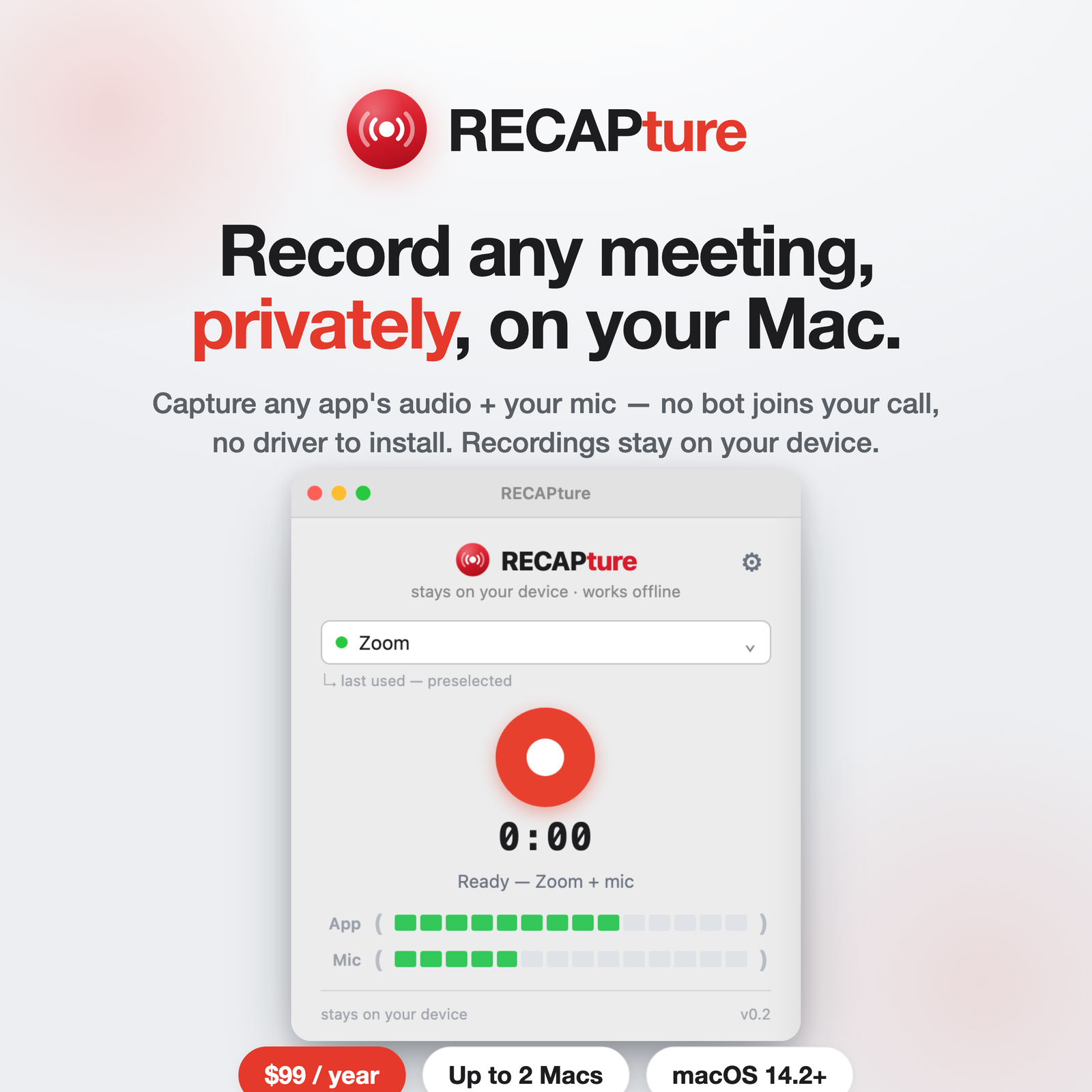
You can record a Zoom meeting on a Mac without inviting a recording bot, without installing a virtual audio driver like BlackHole, and without uploading anything to someone else’s cloud. Here’s the short version, and why most “easy” methods aren’t.
Why most recording methods are a hassle
There are three common ways people record Zoom on a Mac, and each has a catch:
- Zoom’s built-in recording needs host permission, and cloud recording uploads the call to Zoom’s servers.
- A meeting bot (the kind many AI notetakers use) joins as a visible participant. Everyone sees “Notetaker has joined,” and some companies block them outright.
- A virtual audio driver like BlackHole works, but you have to install a kernel-level extension and hand-build a multi-output device in Audio MIDI Setup before anything records.
If you just want a clean local recording of the call, all three are more friction than the job needs.
The simpler way: capture the app’s audio directly
RECAP Capture records the Zoom app’s audio and your microphone at the same time, straight from your Mac — no virtual audio driver, no bot in the meeting, nothing for the other side to see. Both tracks come back in sync as one clean recording, saved on your machine.
- Download RECAP Capture for Mac and drag it to Applications.
- Grant the microphone and system-audio permission once when prompted.
- Pick Zoom from the app list, hit record, and take your call.
Nothing joins the meeting. The other side sees a completely normal call. When you stop, the recording is saved to a folder on your Mac — your voice and theirs, ready to keep, share, or transcribe.
Is it allowed?
Recording the app’s audio under the microphone permission is a normal macOS capability — it’s not screen recording, so there’s no orange screen-recording dot. What you do need to handle is consent: recording laws vary by state and country, and you’re responsible for letting participants know when the law requires it. That’s true of any recording method.
What it doesn’t do
RECAP Capture captures audio — that’s the whole job. It doesn’t transcribe or summarize on its own. When you want transcripts, summaries, and a searchable archive of your calls, you upload the recording to RECAP. Capture stays local and private; the AI step is opt-in.
Get started
A RECAP Capture license is $99/year and covers up to 3 Macs. Download the app, point it at Zoom, and record your next meeting with nothing in the call but the people on it.