
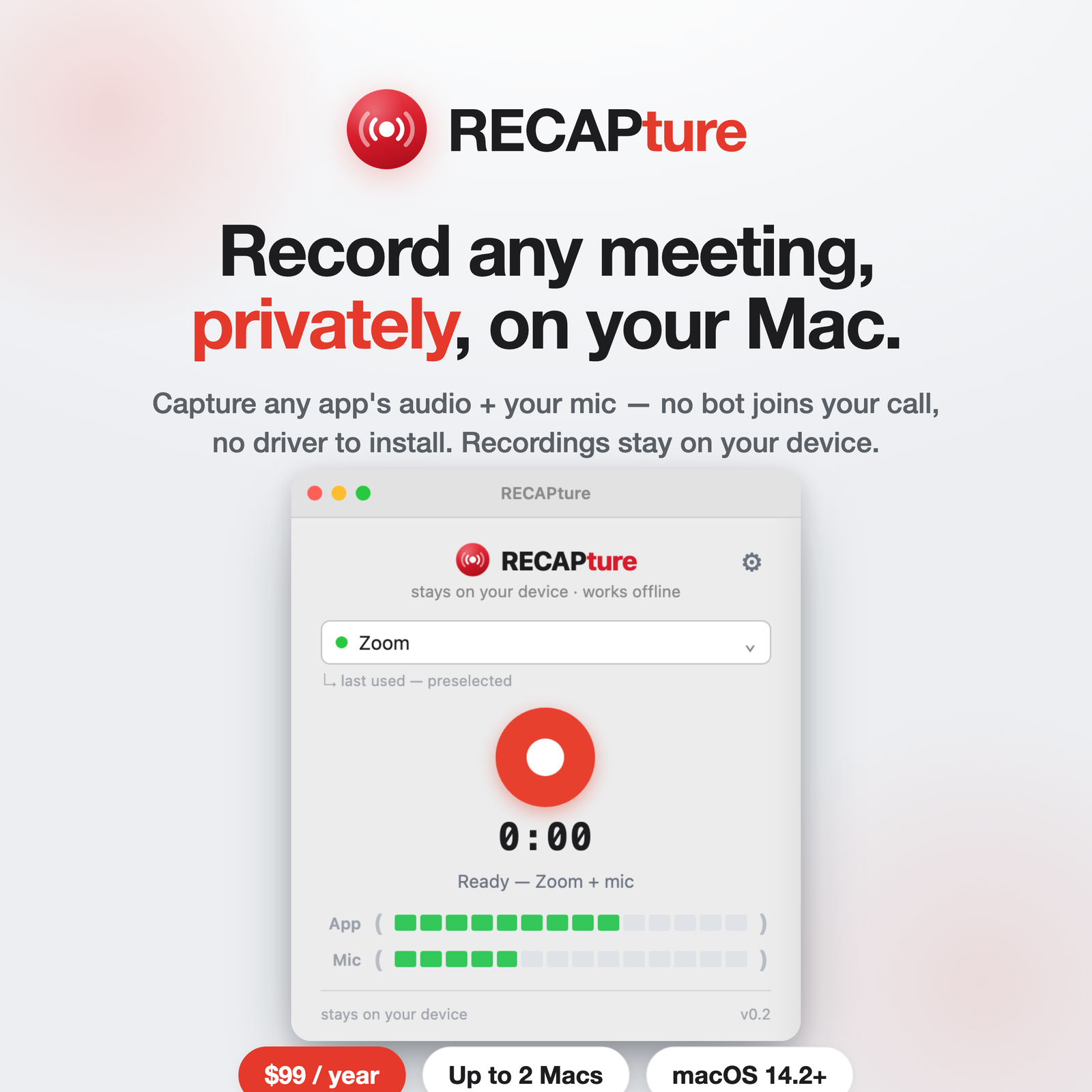
macOS doesn’t let apps record system audio out of the box, which is why most guides for recording Google Meet or Microsoft Teams send you to install BlackHole or another virtual audio driver. You don’t have to. Here’s how to capture Meet or Teams audio on a Mac without any of that.
Why people reach for BlackHole
BlackHole is a virtual audio device. To record a meeting with it you typically:
- Install the driver (a system-level audio extension).
- Open Audio MIDI Setup and build a multi-output device.
- Route the meeting app to that device, then point a recorder at it.
- Remember to switch everything back afterward.
It works, but it’s fiddly, easy to misconfigure, and you’re routing your audio through extra plumbing every time.
The driver-free way
On macOS 14.2 and later, an app can tap another app’s audio directly through a supported system API. RECAPture uses that to record Google Meet or Teams audio and your microphone together — no driver, no Audio MIDI Setup, no routing.
- Download RECAPture and move it to Applications.
- Allow the microphone and system-audio permission once.
- Choose Google Chrome (for Meet) or the Teams app, press record, and join your meeting.
Meet runs in the browser, so pick the browser RECAPture is capturing; Teams has a desktop app you can select directly. Either way you get one local file with both sides of the conversation.
Two tracks or one file
RECAPture records the app’s audio and your mic as a clean stereo pair — their voice on one side, yours on the other — or blends them into a single mono track if you’d rather. Useful if you want to edit one speaker later, or just want the simplest possible file to hand to a transcriber.
Keep it local, add AI when you want it
Recordings save to a folder on your Mac and never leave it. When you need a transcript or summary of a Meet or Teams call, upload it to RECAP — transcription and search are a separate, opt-in step, so capture stays private by default.
Start recording
RECAPture is $99/year for up to 2 Macs. Download it here, select Meet or Teams, and skip the virtual-driver setup entirely.