
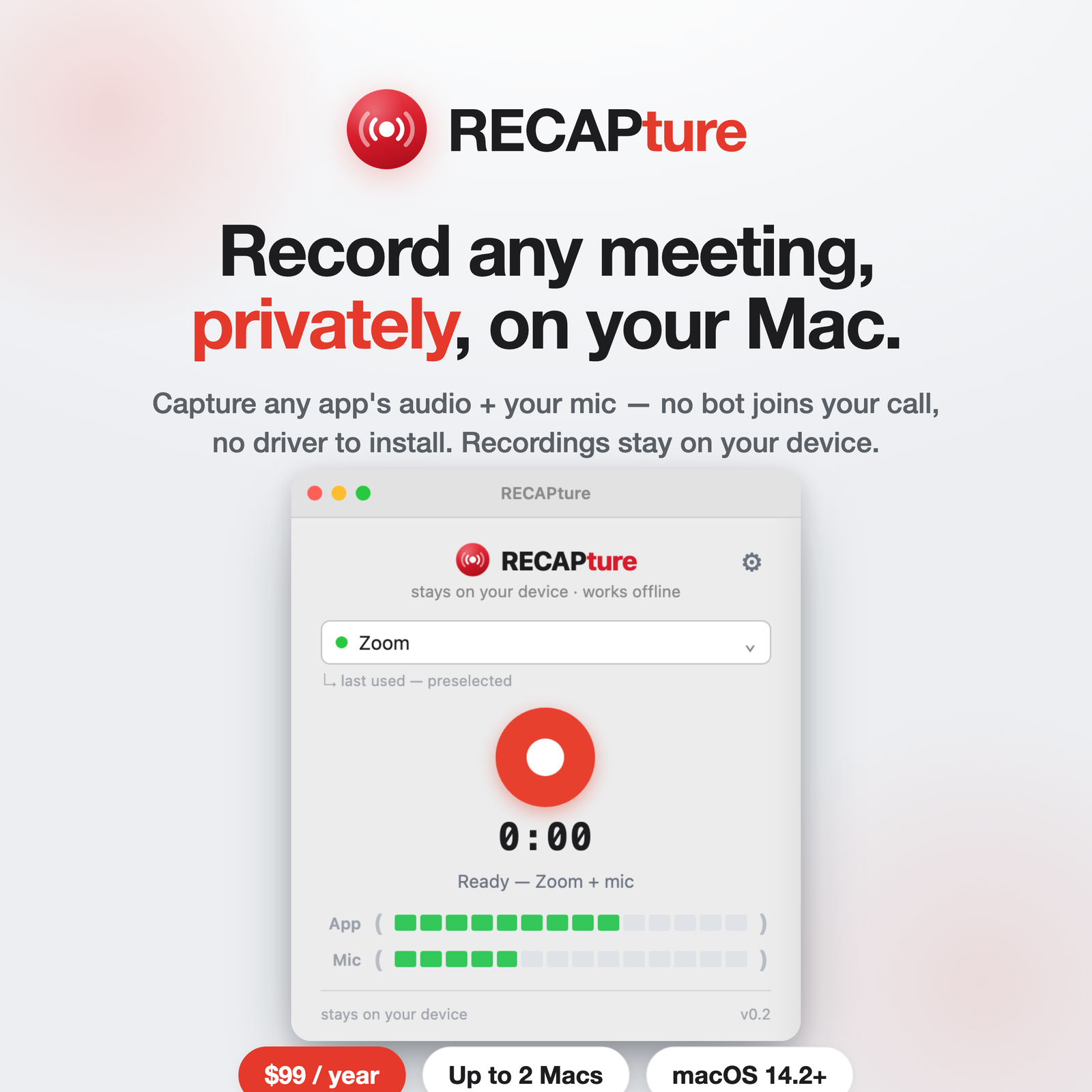
Recording your own voice on a Mac is easy. Recording both sides — your mic and whatever’s coming out of the meeting app — is where people get stuck, because macOS keeps app audio and microphone input separate. Here’s how to capture both in one recording.
Why “both sides” is the hard part
When you record with QuickTime or Voice Memos, you get your microphone only. The other person’s audio is playing through your speakers or headphones, but the system won’t let a normal app grab that output. The usual workarounds — a virtual audio driver, or a bot that sits in the call and records server-side — exist purely to get at that second audio stream.
Capture mic + app audio together
RECAPture records two sources at once on macOS 14.2+: your microphone, and the audio from the meeting app you choose. No virtual driver, nothing joining the call.
- Download RECAPture and open it.
- Grant the mic and system-audio permission once.
- Pick the app the other person is on — Zoom, Meet, Teams, Slack, FaceTime — and record.
You end up with one file: your voice and theirs, captured cleanly from the source rather than re-recorded through your speakers.
Stereo split or single mix
By default RECAPture keeps the two sources on separate stereo channels — your mic on one side, the app on the other. That’s handy if you want to transcribe each speaker independently or balance levels afterward. Prefer one simple track? Switch on “blend into one mono track” and you get a single combined file instead.
A note on consent
Two-party-consent states and many countries require everyone on a call to know it’s being recorded. RECAPture gives you the recording; making sure you have permission to make it is on you. Tell people you’re recording — it’s good practice everywhere and the law in some places.
From recording to transcript
Capture happens locally and stays on your Mac. When you want both sides turned into a labeled transcript or a summary, upload the file to RECAP. That step is optional and separate, so your raw recordings never leave your device unless you send them.
Get RECAPture
RECAPture is $99/year and runs on up to 2 Macs. Download it and record your next call with both voices in one file.