
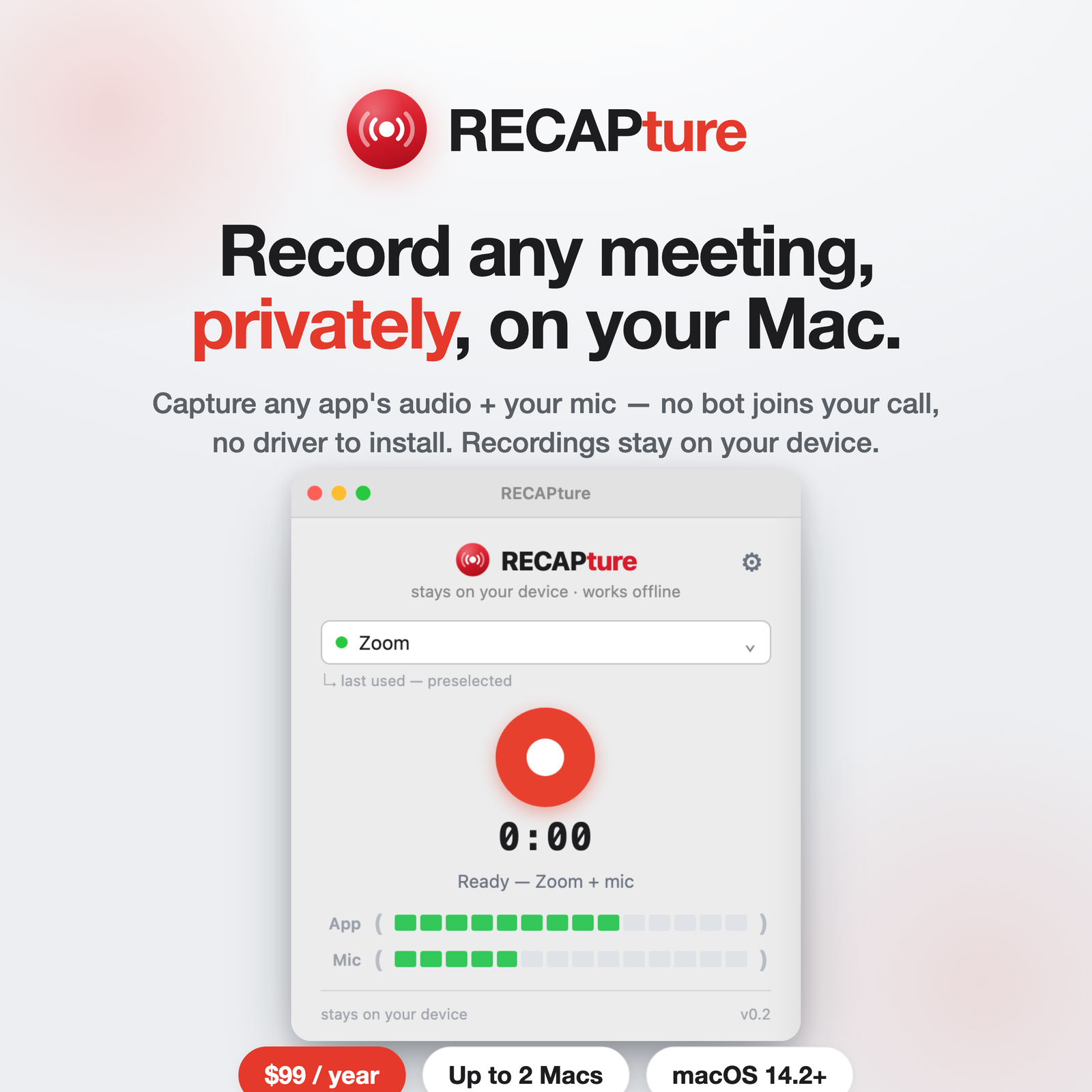
RECAP makes two ways to record a conversation, and they solve different problems. The quick rule: RECAP S2 is for phone calls; RECAPture is for meetings on your Mac. Here’s how to choose.
The one-line answer
- Recording a phone call — a mobile call, WhatsApp, Signal, FaceTime, a landline — use RECAP S2, the hardware adapter.
- Recording a meeting app on your Mac — Zoom, Google Meet, Teams, Slack — use RECAPture, the Mac app.
Both keep recordings on your own device, and both can hand off to RECAP afterward for transcripts and summaries.
RECAP S2 — the hardware adapter
S2 is a small audio adapter that connects your phone to a computer, voice recorder, or mixer. You plug in, make the call, and record both sides — your voice and theirs — through the adapter. Because it’s hardware, it doesn’t care what app or device you’re on: a regular cellular call, WhatsApp, Signal, Zoom on your phone, or FaceTime all work the same way.
Reach for S2 when:
- The call happens on a phone, not a computer.
- You need to record across many apps or even a landline, without installing anything.
- You want a one-time purchase ($99, no subscription) and a physical device you own.
One thing to check first: recording into a computer needs a stereo input, and many laptops are mono — see RECAP’s compatible-adapters list before you buy.
RECAPture — the Mac app
RECAPture is software for macOS 14.2+. It records a meeting app’s audio plus your microphone directly on your Mac — no hardware, no virtual audio driver, and no bot joining the call. You pick the app, hit record, and get a local file with both sides.
Reach for RECAPture when:
- The meeting happens on your Mac in Zoom, Meet, Teams, or Slack.
- You don’t want to carry or set up any hardware.
- You want capture that’s entirely software and stays on your machine.
RECAPture is $99/year and covers up to 2 Macs.
Side by side
| RECAP S2 | RECAPture | |
|---|---|---|
| What it records | Phone calls (any app/device) | Mac meeting apps + your mic |
| Form | Hardware adapter | macOS app (14.2+) |
| Best for | Mobile, WhatsApp, Signal, landline | Zoom, Meet, Teams, Slack on a Mac |
| Price | $99 one-time | $99 / year, up to 2 Macs |
| Recordings | Stay on your device | Stay on your Mac |
| Setup note | Needs a stereo input | No driver, no bot |
Can you use both?
Yes — and a lot of people will. Use S2 for calls you take on your phone and RECAPture for meetings at your desk. Either way the recordings are yours and local, and both feed into RECAP when you want transcripts, summaries, and a searchable archive.
Still unsure? If it rings on a phone, get RECAP S2. If it opens on your Mac, get RECAPture.