
Description
How It Works
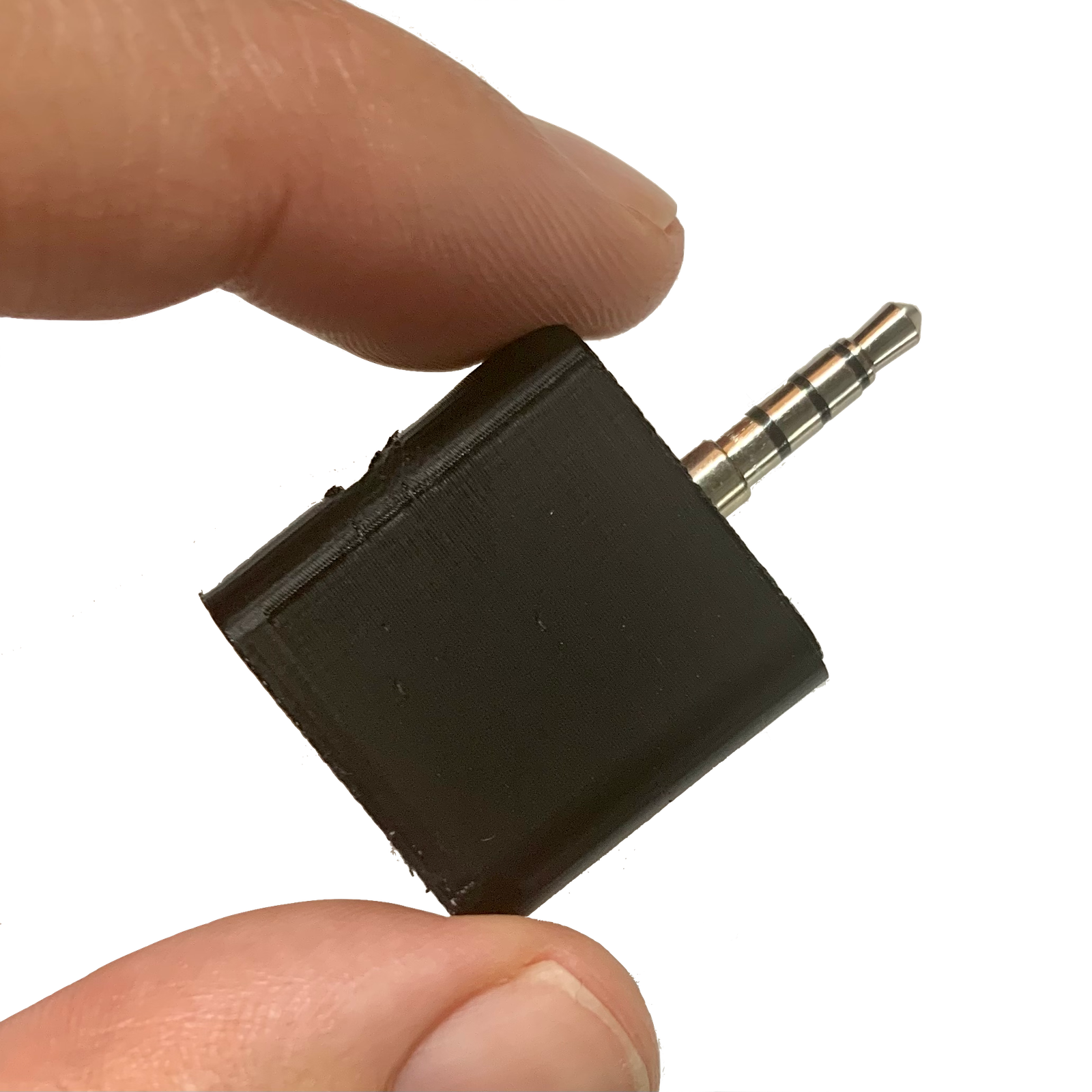
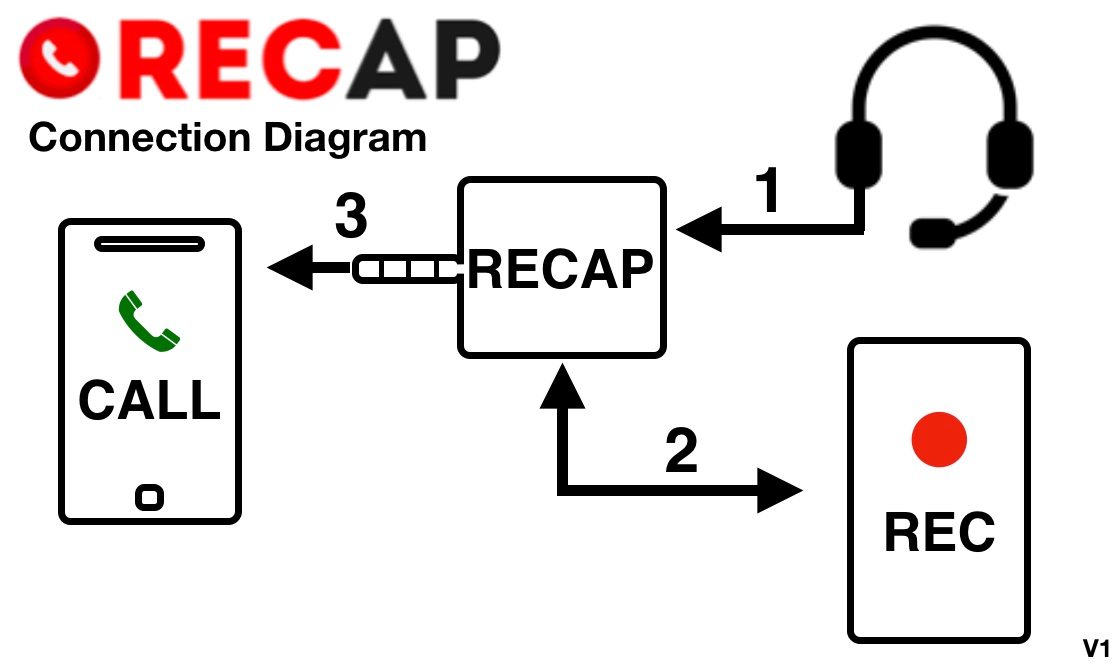
RECAP S2 sits between your phone and your headset. It captures both sides of the conversation and sends the audio to any recording device — a computer, digital voice recorder, or even another phone.- Connect — Plug RECAP into your phone’s headphone jack (or use a Lightning/USB-C adapter)
- Plug in your headset — Talk normally through RECAP’s headset port
- Record — Connect the RECORD port to your computer, voice recorder, or mixer
Why Hardware Instead of an App?
Phone manufacturers have made it increasingly difficult for apps to record calls. Apple blocks it entirely on iPhone. Android has restricted call recording access in recent OS updates. Even apps that still work often capture only one side of the conversation, or require cloud processing. RECAP bypasses all of that. It captures the analog audio signal directly — both sides, every time, on every phone. No OS restrictions, no app permissions, no cloud dependency.Learn how phone call recording devices work →
Who Uses RECAP
- Journalists & Podcasters — Record interviews over the phone with broadcast-quality audio. Journalist guide · Podcaster guide
- Lawyers & Legal Professionals — Document client calls, depositions, and witness interviews. Legal professional guide
- Business & Sales Teams — Capture meeting notes, client calls, and training sessions. Business guide
- Healthcare Providers — Record patient consultations for accurate documentation. Healthcare & HIPAA guide
- Researchers — Capture phone interviews and oral histories. Researcher guide
- Anyone — Insurance disputes, contractor agreements, family calls you want to keep
Works With Your Setup
- Phones: iPhone (all models), Android (all models). Phones without a headphone jack need a compatible adapter
- Recording to computer: Any PC or Mac with a microphone input. Computer recording guide
- Recording to voice recorder: Any digital voice recorder with a 3.5mm input. Voice recorder guide
- Call types: Regular phone calls, WhatsApp, Signal, Zoom, FaceTime, Skype, Messenger, Teams — anything that plays through your wired headset
- Software: Audacity, GarageBand, Voice Memos, or any audio recording app. Software guide
Technical Specifications
Ports
- CALL Port: 3.5mm 4-pin (TRRS) plug — connects to phone’s headphone jack
- HEADSET Port: 3.5mm 4-pin (TRRS) jack — for your headset or earbuds
- RECORD Port: 3.5mm 3-pin (TRS) jack — outputs both sides of the call
Requirements
- No batteries or external power needed
- No software installation required
- Phones without a 3.5mm jack need a compatible adapter (see list)
Frequently Asked Questions
Does RECAP record both sides of the call? Yes. RECAP captures both your voice and the other person’s voice. This is the key advantage over software solutions, which often only capture one side. Do I need to install any software? No. RECAP is a passive audio device — it works with whatever recording software or hardware you already have. Plug it in and press record. Will the other person know they’re being recorded? RECAP does not produce any tones or alerts. You are responsible for following call recording laws in your jurisdiction. Does it work with VoIP calls (WhatsApp, Zoom, etc.)? Yes. RECAP captures any audio that plays through your wired headset — regular calls, WhatsApp, Signal, Zoom, FaceTime, Messenger, Teams, and any other calling app. What if my phone doesn’t have a headphone jack? Use a Lightning-to-3.5mm adapter (iPhone) or USB-C-to-3.5mm adapter (Android). See our compatible adapters guide for tested options. Can I record calls automatically? RECAP itself is always “on” when connected — the recording is started by your recording device or software. See our auto-record guide for how to set up automated recording workflows.Optional: pair RECAP S2 with Recap.cx for AI transcripts, summaries, and search — a separate service, sold separately. The S2 records on its own with any app, no subscription required.