Description
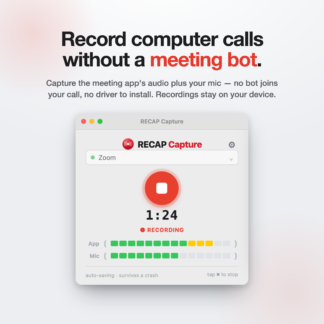
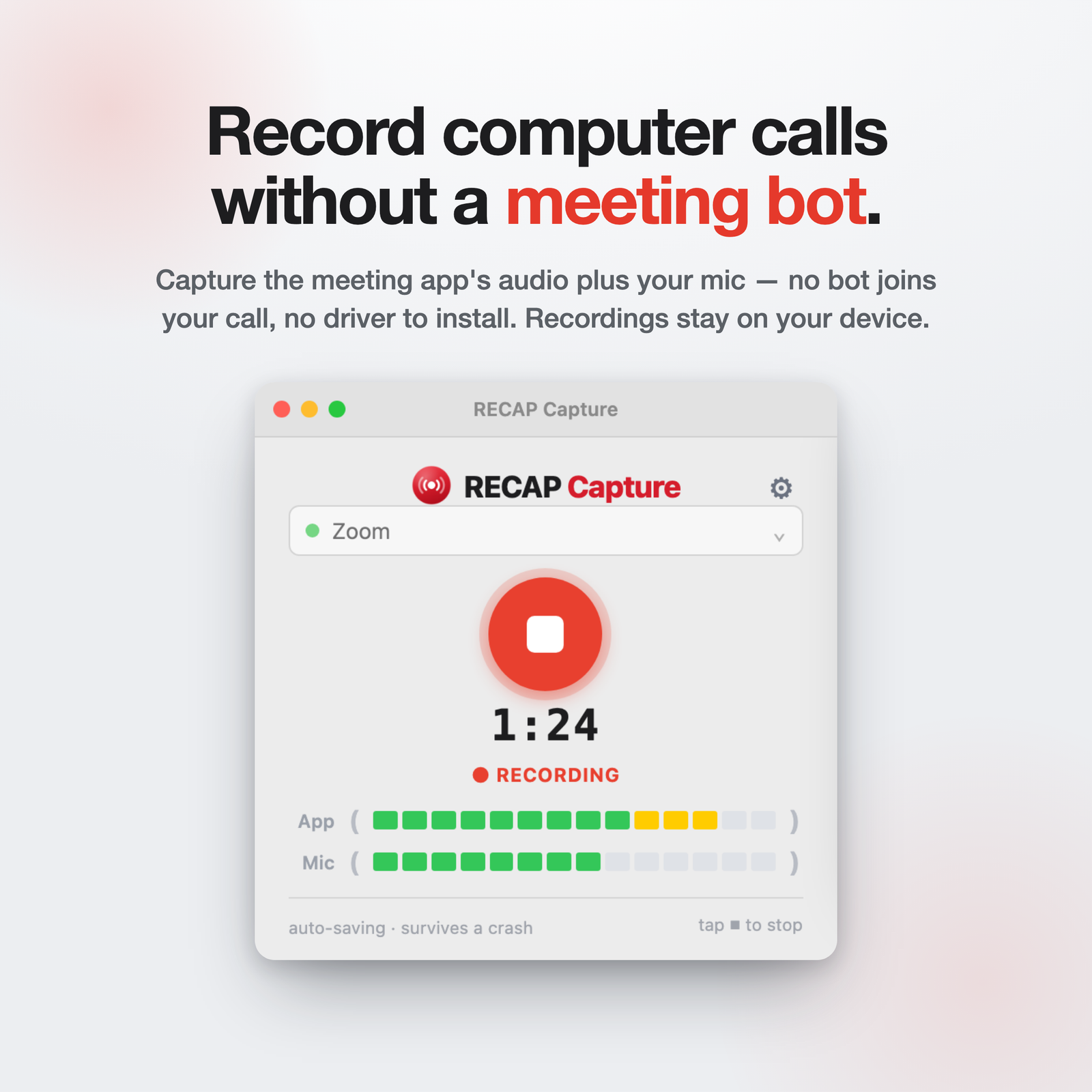
RECAP Capture records computer calls — Zoom, Google Meet, Microsoft Teams, Slack, FaceTime, and browser calls. Record on Mac, Windows, or directly in your browser. It captures the meeting app’s audio plus your microphone in one recording. No meeting bot joins your call, and there’s no virtual audio driver to install. Recordings are saved on your device unless you choose to upload them to RECAP.
What you get
- Record computer calls without a meeting bot
- Capture call audio and your microphone
- Save recordings locally
- Trim and export with RECAP Audio Editor
- Use with or without transcription
- Upload to RECAP later when you want summaries, search, and Q&A
- One year of access and updates
- Works with RECAP Capture for Mac, RECAP Capture for Windows, and browser recording
Want transcripts, summaries, and search?
Upload recordings to RECAP when you want transcripts, summaries, search, and Q&A. RECAP Capture works on its own for recording, trimming, and export.
Try it first
Not ready to buy? Download RECAP Capture for Mac and try it before you buy.
Requirements
- RECAP Capture for Mac (macOS 14.2 or later), RECAP Capture for Windows, or browser recording.
- $99 for one year of RECAP Capture access and updates. Renew when you want another year.
Activation
- Buy RECAP Capture.
- You’ll receive an activation key by email.
- Open RECAP Capture and paste the key once.
- After activation, the app can record offline.